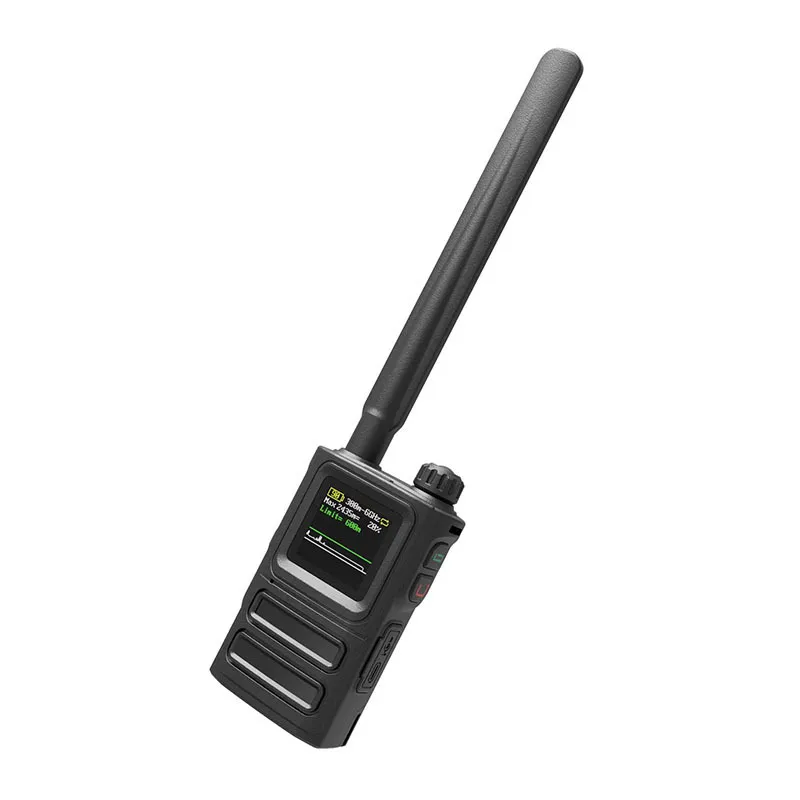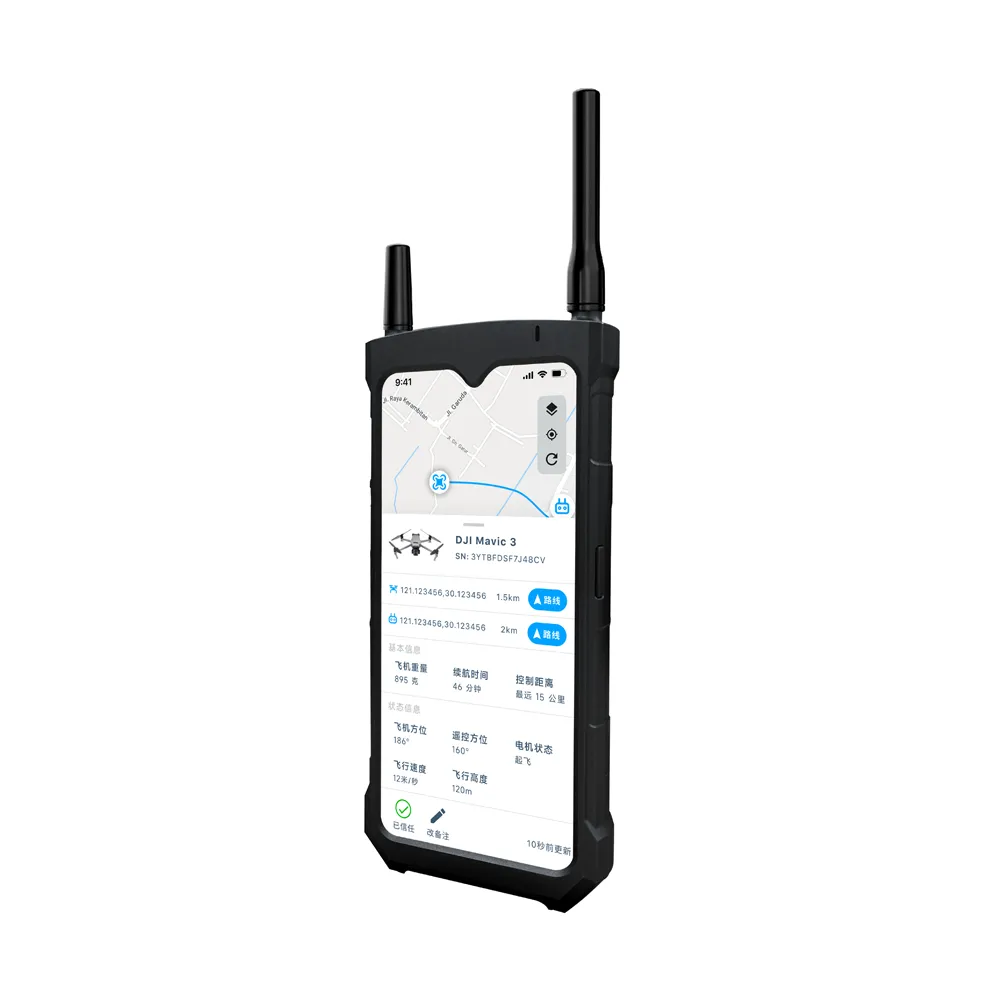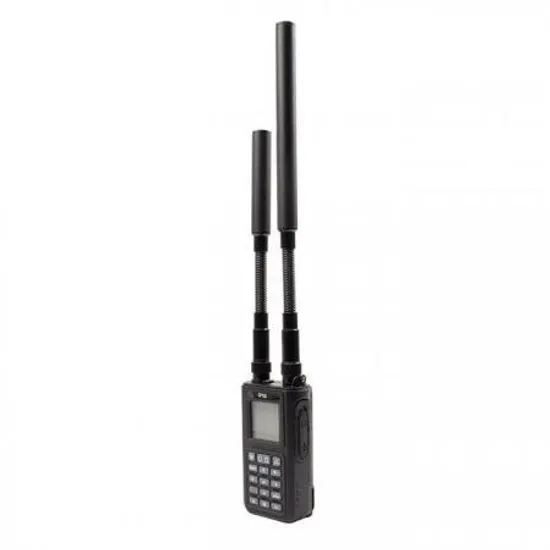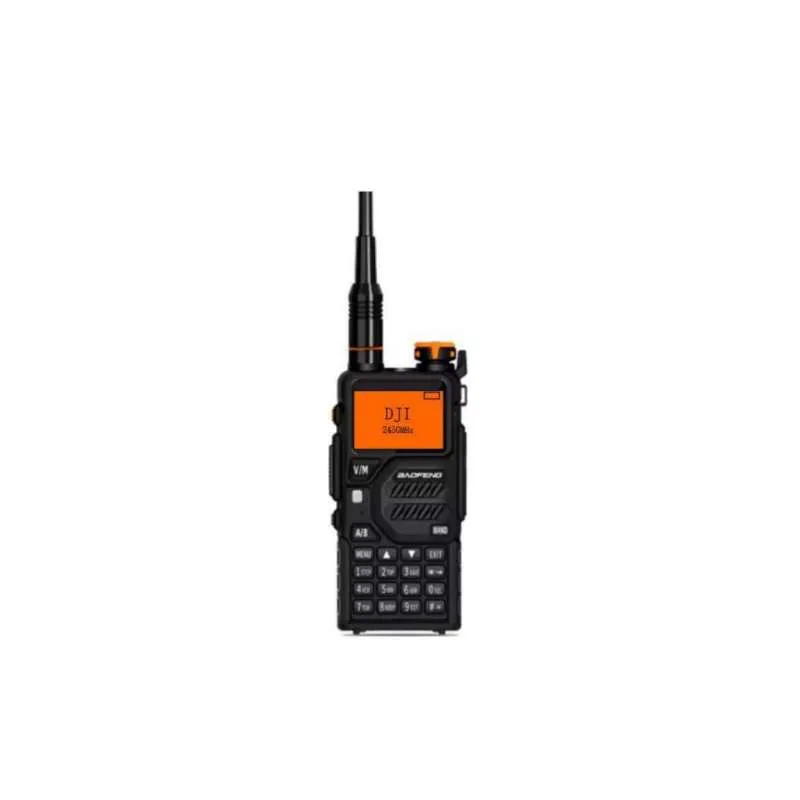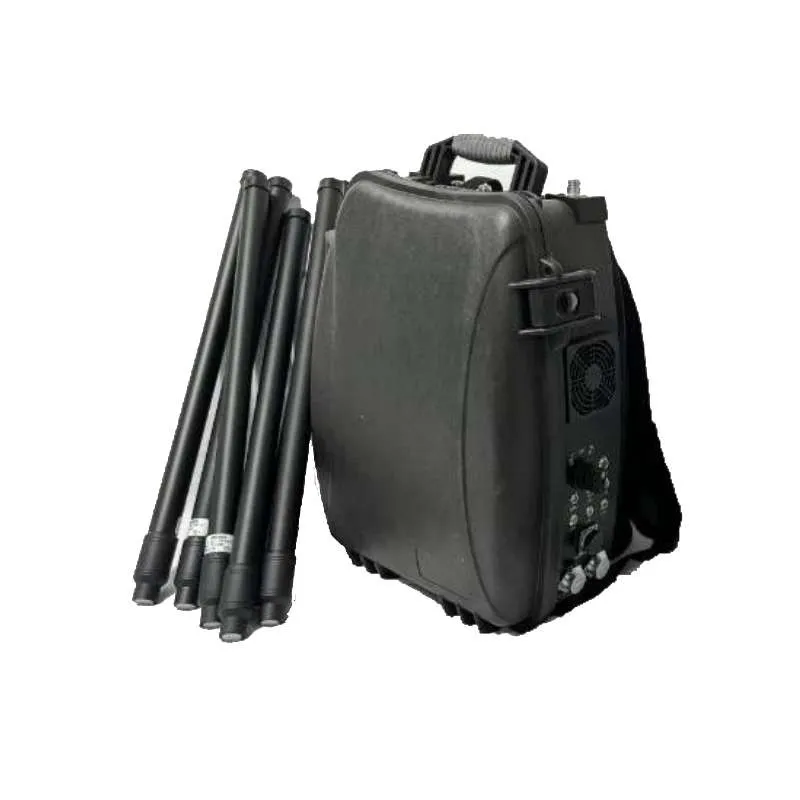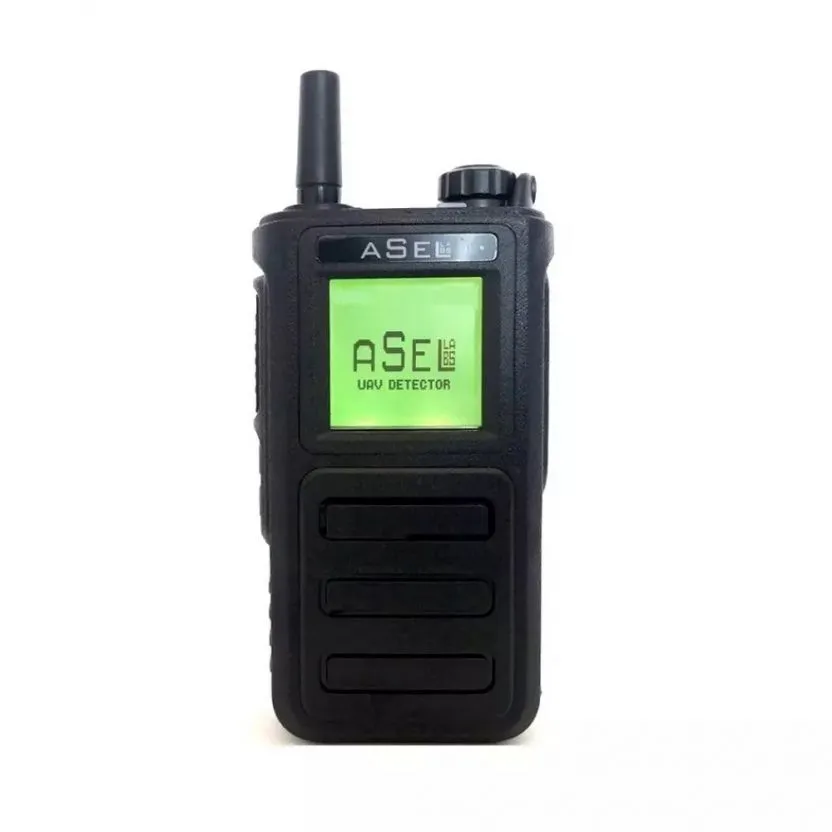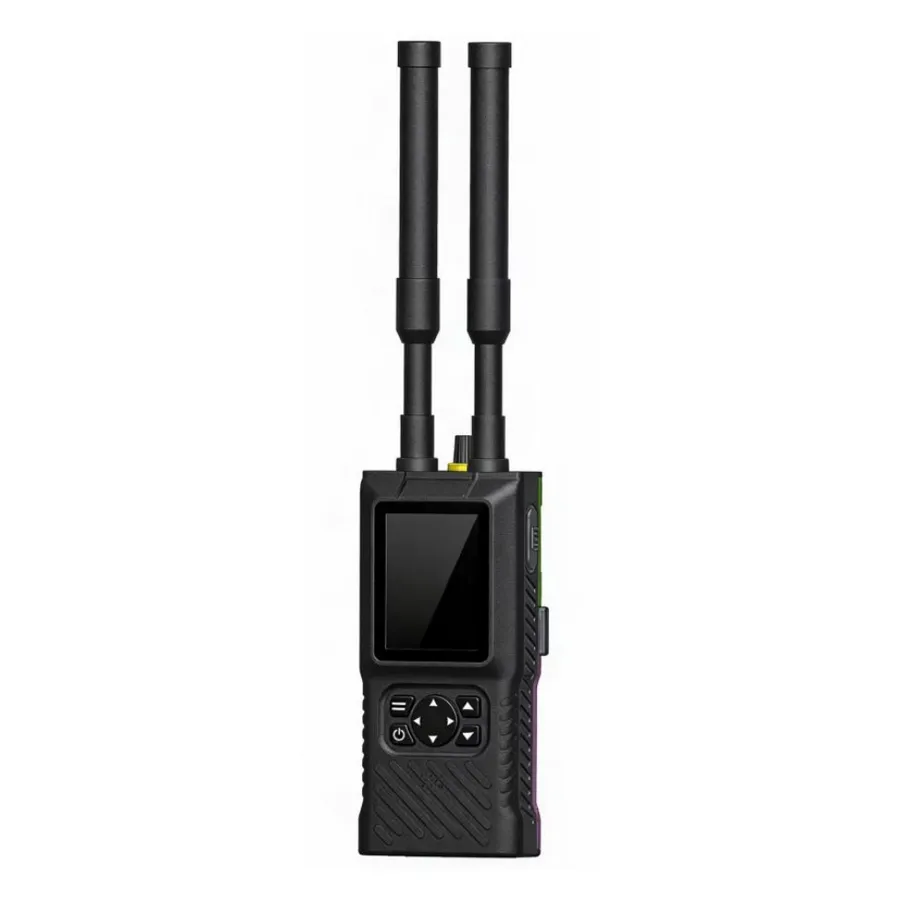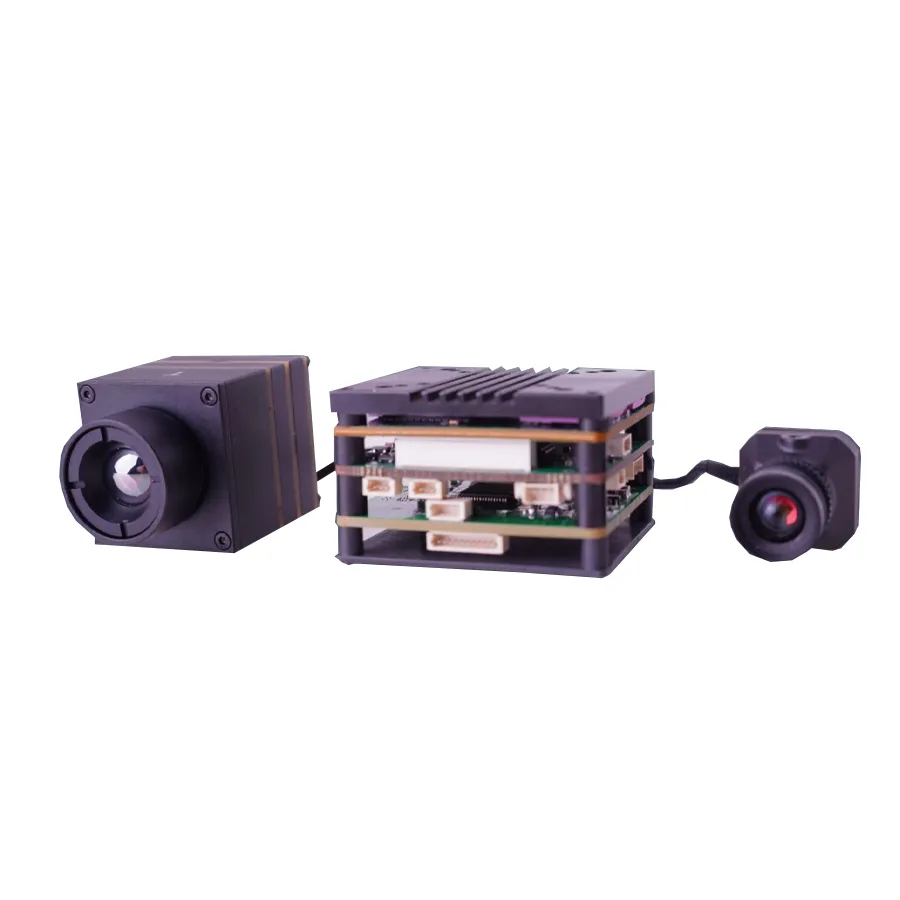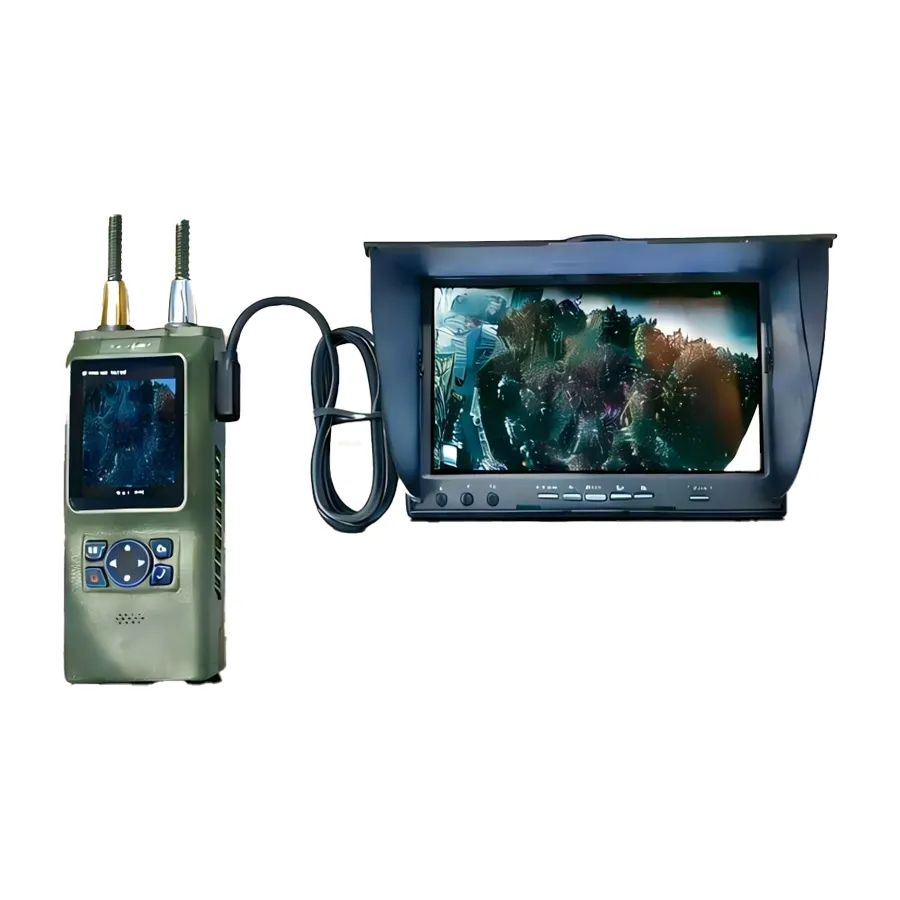
Drone detector with screen F8
F8 Ultra-Wideband Portable Drone Detector — portable drone detector with superheterodyne architecture. It detects HD digital OFDM video signals (DJI, Autel) and analog FM signals (FPV drones) in the 100 MHz - 8 GHz range.
USD · Volume pricing available
Категорије:
Certifications
Global Shipping 7-14 Days
DHL, FedEx, UPS, Air & Sea
Genuine Products
Authorized distribution
Export License Ready
ECCN, CO, CI, PL, EUS docs
24/7 Tech Support
Pre & post sales
Export Compliance
EAR99AI confidence 90% · NLR — No license required. Standard end-use statement recommended.
Buyer Tier Benefits
Tier discounts stack with volume pricing. Automatically applied after your first order.
Order the F8 portable drone detector to protect the airspace from “black” flights!
Ensure early detection of any drones in the protected area. The portable drone detector with screen uses superheterodyne architecture to passively scan the airwaves. The device covers an ultra-wide frequency range from 100 MHz to 8 GHz, detecting most modern UAVs. The device is ideal for police, security and intelligence agencies. Choose a reliable solution for anti-drone protection.
- Ultra-wide frequency range 100 MHz – 8 GHz. Detects control signals and video transmissions from any drone, including DJI, Autel and FPV copters.
- Long detection range up to 3 km. Promptly warns of the approach of a UAV, giving time to react.
- Real video mode (Video Capture). Allows you to see in real time what the FPV drone camera sees and use this information.
- Directional source detectionBuilt-in bearing (up to 5°) and optional directional antenna help pinpoint the pilot's location.
- Weatherproof and portable design. The device with IP54 protection weighs only 580 g, operates in the range from -20°C to +60°C, and the battery lasts for 7 hours.
How this smart radar works and its applications
A drone detector with a screen operates in passive mode: it only listens to the airwaves, does not emit anything, and is therefore completely invisible to intruders. The device continuously scans frequencies from 100 MHz to 8 GHz and when it detects signals characteristic of drones, it notifies the operator. The built-in color screen displays the type of drone, its frequency and signal strength.
If the drone is FPV (analog video), the detector can even show what its camera is seeing in real time. A directional antenna is used to determine the pilot's location. By rotating it, the operator quickly finds the drone’s control point based on the maximum signal volume.
Technical characteristics and operation
| Characteristics | Meaning |
|---|---|
| Frequency range | 100 MHz – 8 GHz |
| Detection range (real) | up to 3 km (depending on conditions) |
| Detection range (guaranteed) | ≥1 km (in the city) |
| Bearing accuracy | ≤5° |
| Sensitivity | better -96 dBm |
| Battery life | ≥7 hours (one battery) |
| Interfaces | Type-C (charging and data) |
| Housing protection degree | IP54 |
| Operating temperature | -20°C to +60°C |
| Weight | 580 g (with one battery) |
| Charging time | 1 hour (supports 35W fast charging) |
| Screen | Color LCD |
The F8 detector is ideal for protecting the perimeter of industrial facilities, military bases, airports and private areas. Effective during public events and for the protection of VIPs. Due to its portability, it can be used in patrol vehicles and at checkpoints.
Buy the F8 Portable Drone Detector from COPTERPARTS. This is a reliable solution for early detection of unmanned aerial vehicles. Our specialists will help you choose and answer your questions. Place your order right now on our website.
1. Statements and safety precautions
1.1 Copyright statement
- Without the prior written permission of the company, no person or entity may reproduce or distribute this manual (in whole or in part) in any form.
- The software included in the product is protected by copyright. It may not be copied, distributed, modified, decompiled, disassembled, decrypted, reverse engineered, rented or sublicensed without permission.
1.2 Disclaimer
- The product is supplied "as is". This manual is for reference purposes only. The Company makes no warranties, express or implied, including warranties of merchantability, fitness for a particular purpose or non-infringement of third party rights.
- The company is not liable for any consequential damages, including loss of profits or data, resulting from the use of this manual or product.
1.3 About this manual
- The manual applies to several models. Appearance and features may vary; Please refer to the actual device.
- The manual describes the different software versions. The user interface depends on the installed version.
- The company reserves the right to make corrections and changes without prior notice.
- The user is solely responsible for any losses resulting from failure to follow instructions.
1.4 Instructions for use
To avoid personal injury or property damage, observe the following precautions:
- Do not use accessories not approved by the company, as well as damaged accessories.
- Never leave keep the device or its accessories within the reach of children or pets.
- Use the device within the specified operating temperature range.
- If it overheats, stop using and let the device cool down.
- Press the buttons smoothly, without excessive force.
- Do not disassemble, modify or repair device yourself.
1.5 Safety and Compliance Guidelines
- Please observe local radio frequency, drone and privacy laws before use. Do not use a device for illegal surveillance, signal jamming, or invasion of privacy.
- Don't take it apart device. This may damage the EMI shielding and cause hazardous radiation.
- The device complies with national electromagnetic safety standards. Avoid prolonged close contact of the antenna with your head or body.
- Use near government buildings, military installations and airports is strictly prohibited without special permission.
2. Safety precautions when handling the battery
2.1 Prohibited charging conditions
Charging the battery is strictly prohibited in the following cases:
- The device is wet. Let it dry before charging.
- Use only approved chargers.
- Don't charge near sources of strong radiation.
- Don't charge in case of leakage, deformation, overheating or other malfunctions.
- Don't overcharge battery.
2.2 Battery maintenance instructions
- Charge at temperatures between 5°C and 40°C.
- Don't disconnect power and do not remove the battery while charging.
- Dust on the terminals may affect charging. Wipe them with a clean, dry cloth.
- Do not expose Battery exposed to direct sunlight or heat sources.
- Do not squeeze, puncture or disassemble battery case.
2.3 Transport
- Make sure that the batteries in the packaging are not short-circuited. If you have multiple batteries, pack them separately.
- Accompanying documents must contain detailed information about the cargo. Follow all local laws regarding the transport of dangerous goods.
3. Preparation for use
3.1 Installation of accessories
Antenna, Battery.
3.2 Antenna installation
- The color of the antenna base must match the color of the socket.
- Golden base -> Golden nest.
- Silver base -> Silver socket.
- Caution: Do not swing the device while holding the top of the antenna.
3.3 Battery installation
- Make sure the device is turned off before installing/removing.
- Installation: Insert the battery into the compartment and push it until it clicks.
- Extract: Press the latch and pull out the battery.
3.4 Charging the battery
- Use only an approved charger.
- Connect the adapter to a power outlet and to the Type-C port on the battery.
- Note: The device supports 35W fast charging. Full charge ≈ 1 hour. Operating time ≈ 7 hours.
4. Getting to know the device
F8 Ultra-Wideband Portable Drone Detector — portable drone detector with superheterodyne architecture.
It detects HD digital OFDM video signals (DJI, Autel) and analog FM signals (FPV drones) in the 100 MHz - 8 GHz range.
Key benefits: fast detection, high sensitivity, range, low false alarm, scalability, convenience.
5. Description of design and controls
(Description of buttons and connectors in tables)
Front panel:
- Main display: Shows detection information, time, date.
- Power button: Hold for 3 seconds - turn on, 5 seconds - turn off.
- Up/Down: Volume adjustment; switching channels.
- Left/Right: Menu navigation.
- Menu: Short press – target selection; hold – enter the menu.
- Back: Return to previous screen.
- Confirmation: Confirm your choice.
Side panels:
- Left connector: Connection to PC for firmware.
- Right connector (8 pins): External display (video output) and jammer control (3.3V output when detected).
Rear panel:
- Fan: Manual on/off.
- Clip: For attaching to a belt.
- Charging Port (Type-C): Support 35W. The indicator flashes yellow when charging.
Top panel:
- Golden nest: For an antenna 100 MHz - 8 GHz.
- Silver socket: For 2.4 GHz / 5.8 GHz antenna.
6. Basic operations
6.1 Switching on and off
- Power on: Hold the power button for 3 seconds.
- Shutdown: On the Home screen, hold the Power button for 5 seconds.
- Charge check: Press the red button on the battery.
6.2 Volume adjustment
- In detection mode, press the Up/Down buttons.
6.3 Real-time alert function
- List of alerts: Drone type (DJI, AUTEL, FPV), frequency (MHz), signal strength.
- Spectrum: Displays frequencies in the range 100 MHz – 8 GHz.
- Orange line – weak signal.
- Yellow line – average signal.
- Red line – a strong signal.
6.4 Video Capture Function
- Allows you to capture video from analog FPV drones.
- Two display modes: Built-in screen or external monitor (via magnetic interface).
- Entering mode: Short press “Menu” -> Select signal source.
- Frequency setting: “Up/Down” (10 MHz step), “Left/Right” (1 MHz step).
- Scale: Short press "Menu" to switch ×1, ×2, ×3.
6.5 Direction finding function
- Install a directional antenna. Rotate the device and monitor the signal level on the screen. The higher the value, the more accurate the direction to the drone.
7. Configuration settings
7.1 Language: Select your system language.
7.2 Time and date: Setting Year/Month/Day/Hour/Min/Sec.
7.3 Backlight:
- Key: On/Off button illumination.
- LCD: Screen brightness level (High/Medium/Low).
7.4 Vibration: On/Off vibration feedback.
7.5 Mode: - Eco: Energy saving.
- Standard: Standard mode.
7.6 Logs: - On/Off recording.
- List: View logs.
- Erase: Delete all logs.
7.7 Device: - Bluetooth: On/Off
- Fan: Fan on/off.
7.8 Frequency: - DJI Autel: Enable/Disable DJI/Autel detection.
- FPV: On/Off FPV detection.
- Frequency Bands: Turn on/off individual frequency ranges (7 ranges available).
8. Bluetooth connection instructions (DX-SMART)
- Download the app DX-SMART (example for iOS).
- Open the app and find the button "Transparent Transmission" (Transparent transmission / Pass-through).
- Click "Search Bluetooth Devices".
- Find a device named «BT24-T» and connect.
- After successful connection, data transfer will begin.
9. Troubleshooting
| Problem | Solution |
|---|---|
| The device does not turn on | 1. Check the battery installation. 2. Charge or replace the battery. |
| Can't detect drone | 1. Make sure the drone is within the detection range. 2. Check frequency support. 3. Reboot your device (wait 30 seconds). |
| Short operating time | 1. Fully charge/discharge to calibrate. 2. Turn off backlight/vibration. 3. Replace the battery (wear). |
10. Maintenance and cleaning standards
- Don't pierce device.
- Do not store in aggressive environments.
- Don't pick it up device behind the antenna.
- Turn off before cleaning device and remove the battery.
- Use a soft cloth and neutral detergent.
- Do not use alcohol, aerosols or solvents.
11. Operation and Maintenance
- Visual inspection: Check the case and screen for cracks.
- Battery: Perform charge-discharge cycles to extend service life.
- Charger: Check cables and plugs for damage.
- Functional testing: Conduct comprehensive tests quarterly.
12. Inspection plan (Briefly)
| № | Type of work | Frequency |
|---|---|---|
| 1 | Cleaning the case and screen | Monthly |
| 2 | Battery charge/discharge cycles | Monthly |
| 3 | Inspection of charger cables | Monthly |
| 4 | Comprehensive feature testing | Quarterly |
| 5 | Use of original accessories | Constantly |
13. Application
13.1 Equipment
- Main unit ×1
- Detection antennas ×2
- Charging cable (Type-C) ×1
- Battery ×1
- Cable for firmware (configuration) ×1
- Charger ×1
13.2 Optional accessories
- External display
- External jammer control cable
- Directional antenna
Disclaimer:
The contents of this manual are for reference only. The manufacturer reserves the right to change specifications without prior notice and is not responsible for damage resulting from the use of non-original accessories or failure to follow instructions.